
Introduction
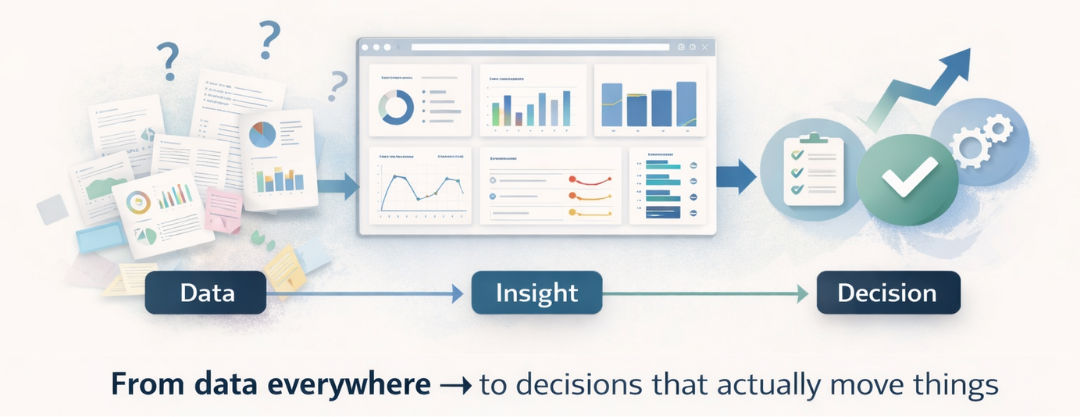
The CFO wants real numbers, not gut feel.
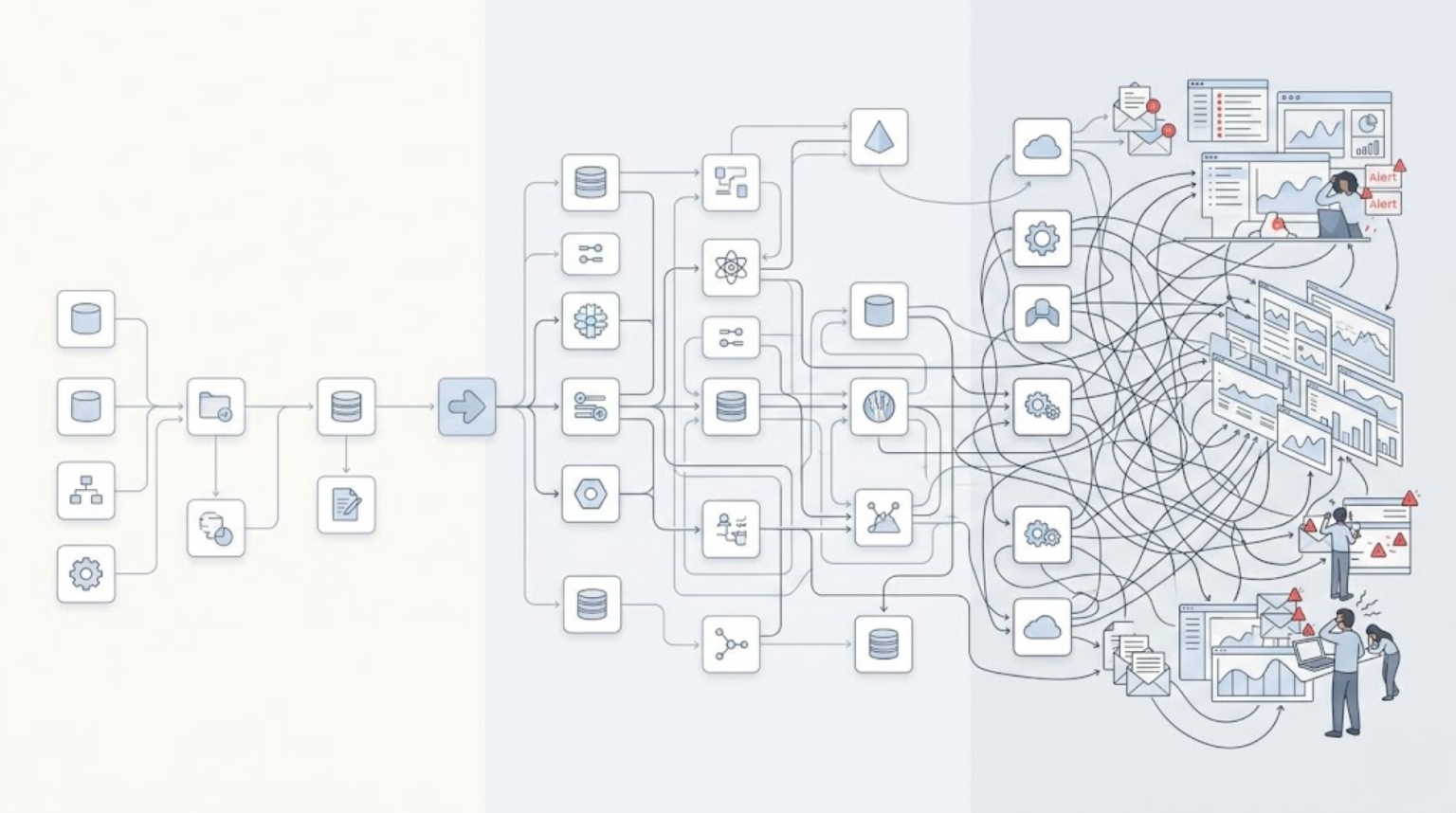
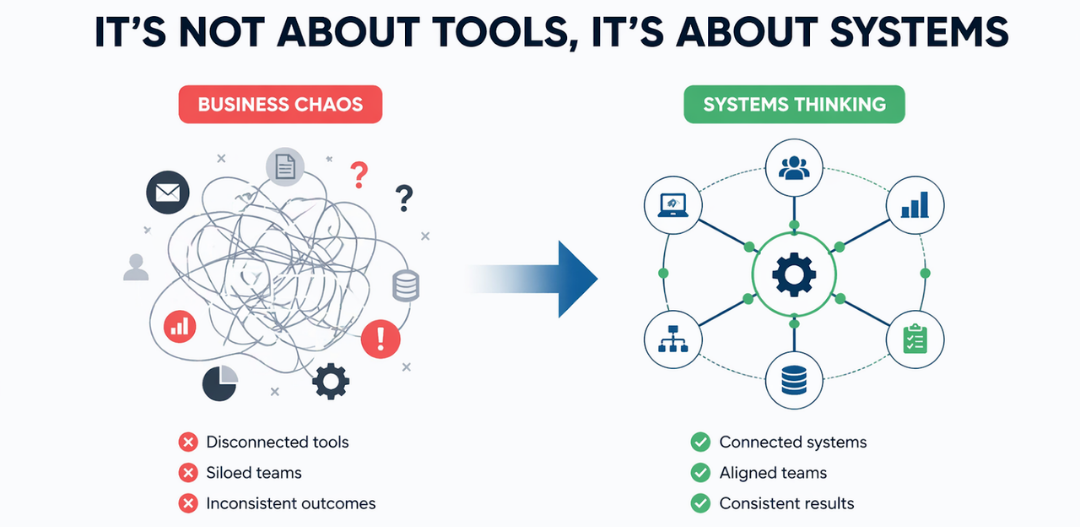
Leadership has finally agreed: reporting needs to improve. Right now, decisions are still being made off spreadsheets that take three people and two days to reconcile. Everyone agrees something has to change.
Then comes the question nobody quite has a clear answer to: do we hire for this, or do we bring in a consulting firm to build it?
That decision usually gets made fast, based on whoever argues loudest in the room, or whichever option feels more “serious” that quarter. And it’s a decision with consequences that last years, not months.
Here’s the thing worth saying upfront: this isn’t a question with a universally correct answer. In-house BI and BI consulting both work. Both also quietly fail in ways that take a year to become obvious, an internal hire who never gets past basic dashboards, or a consultant who builds something nobody inside the company can maintain once the engagement ends.
The real question was never “consulting or in-house.” It’s “what does our specific situation actually call for, right now.”
This article works through that question properly.
What Each Option Actually Means
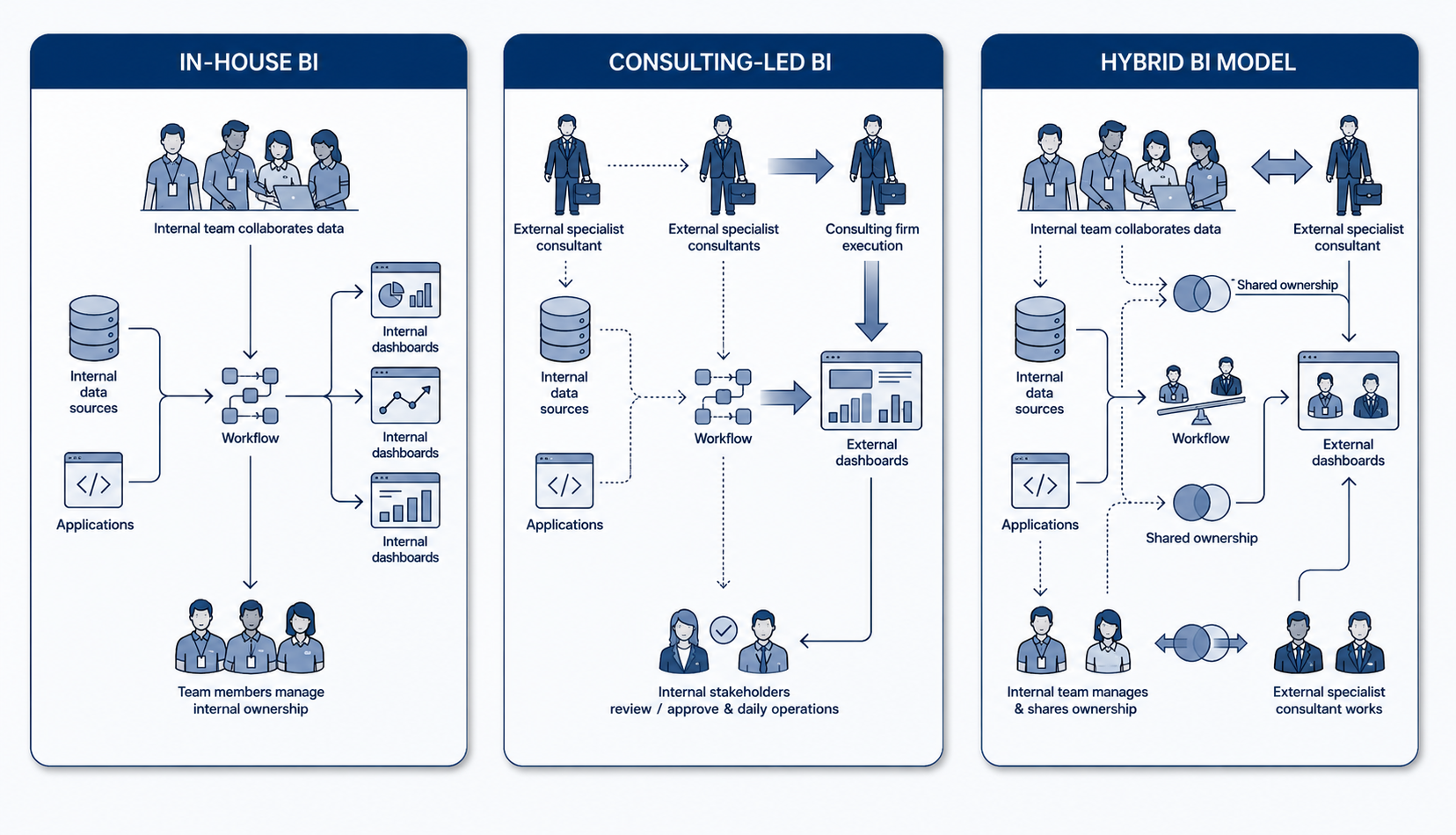
In-house BI means hiring dedicated employees, analysts, BI developers, sometimes a platform administrator, who build and maintain your reporting and analytics capability as part of your permanent team. They’re embedded in your org chart, your culture, and your long-term planning.
BI consulting means engaging an external partner, either project-based or on retainer, who brings existing platform expertise to build out your BI capability. The engagement might end at delivery, or it might continue as ongoing support, that’s a structural choice, not a given.
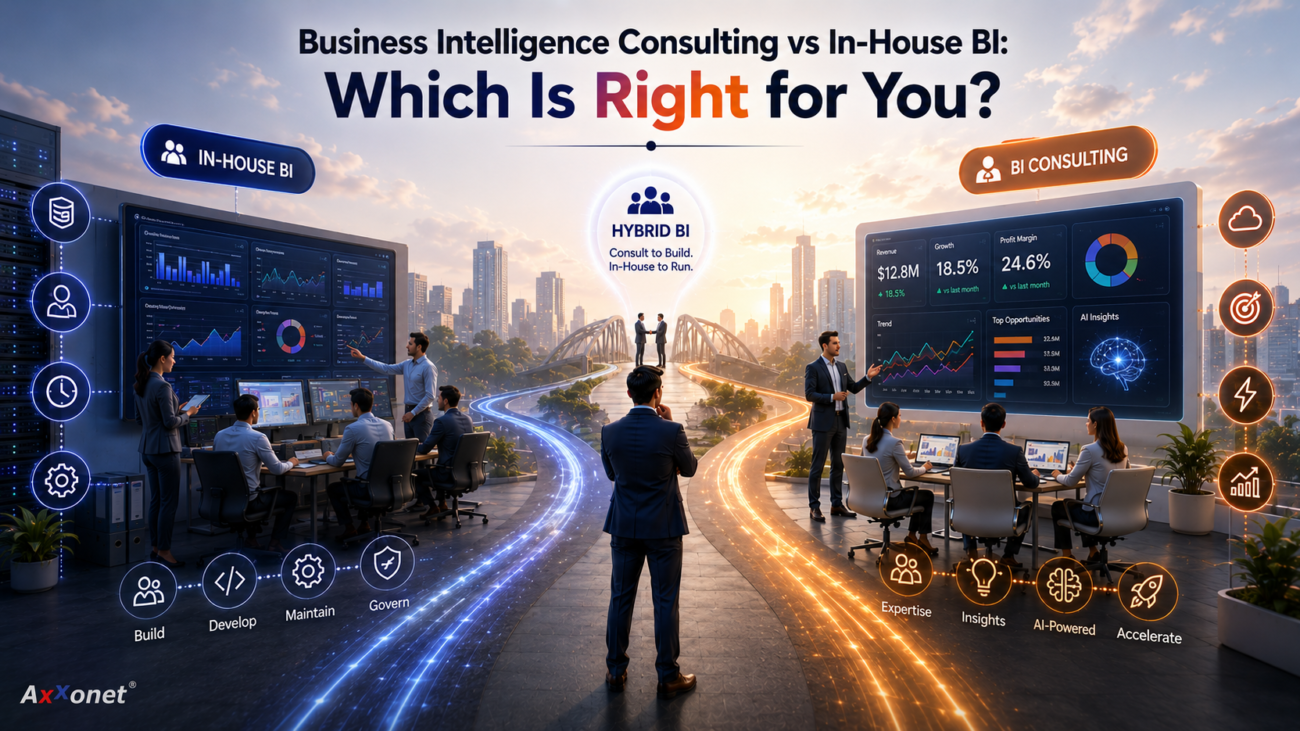
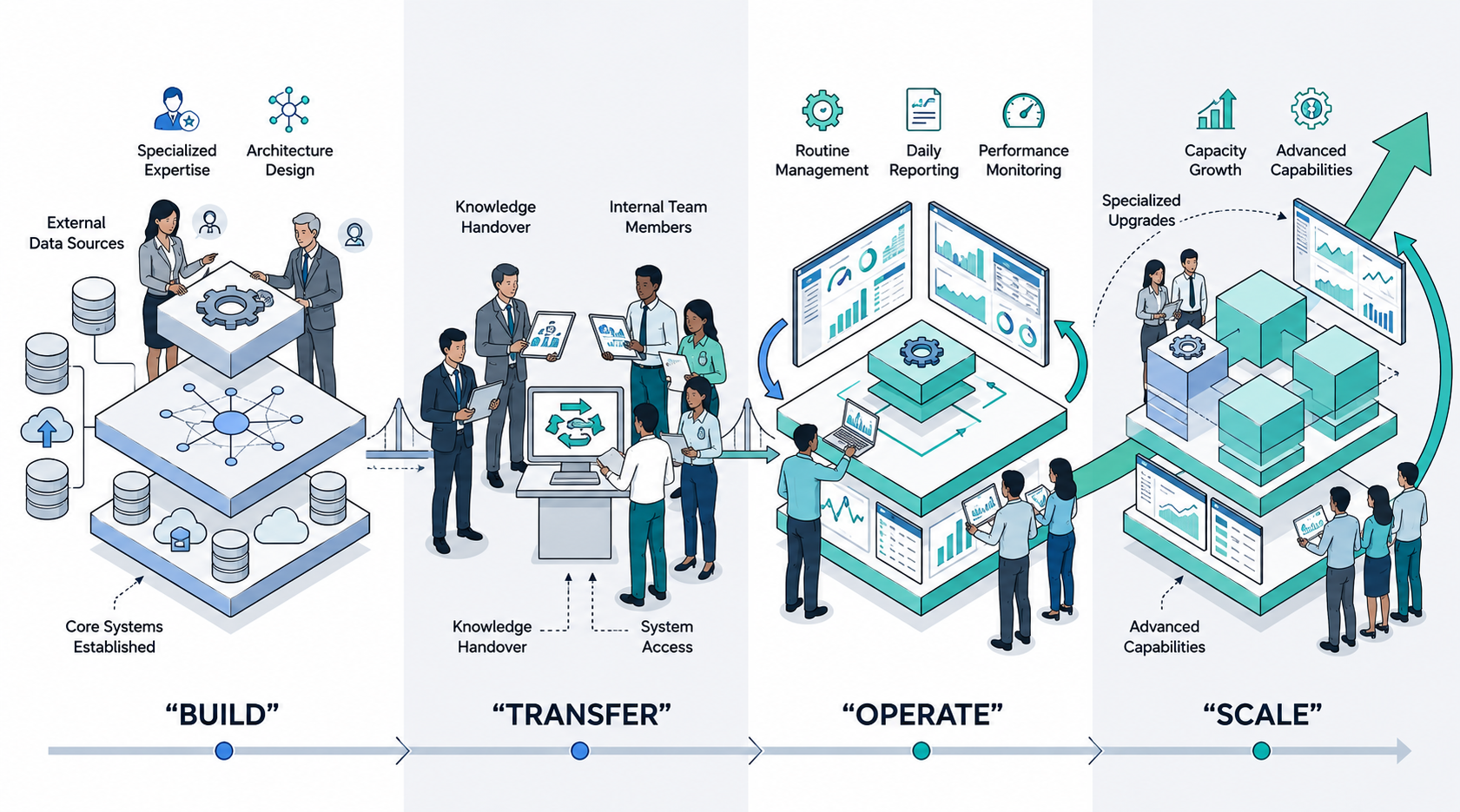
Most real-world situations aren’t a clean choice between these two. A lot of organisations use a consulting partner to build the initial architecture, then bring the day-to-day operation in-house once it’s running. Others keep a permanent hybrid, a small internal team handling routine work, with a consulting partner on call for specialised needs. We’ll come back to that hybrid model, because for many companies it’s the actual answer.
The Case for In-House BI
Done well, an internal team has real, durable advantages.
Institutional knowledge compounds. An in-house analyst lives inside your business every day. They know why Q3 numbers always look strange because of how the sales team books renewals, or why a particular region’s data needs a manual adjustment. That context takes time to build and doesn’t transfer easily to anyone external.
Full-time availability removes scoping friction. Need a new report by Friday because the board meeting moved up? An internal team just does it. A consulting engagement may need a change order, a scoping conversation, or simply isn’t staffed for ad hoc requests outside the agreed scope.
The economics favour in-house for steady, ongoing work. If your BI needs are continuous, new reports, new dashboards, ongoing maintenance, every month, indefinitely, a salaried employee’s cost per hour of work drops substantially below a consultant’s billable rate over time, because consultants are priced to cover the cost of intermittent demand and bench time.
Security and access concerns are simpler to manage. For organisations with sensitive data, healthcare records, financial data, regulated information, keeping the people with deepest system access on payroll, inside your own security perimeter, is often the more comfortable position, even when a consulting partner can technically meet the same compliance bar.
It builds a durable internal asset. A capable in-house BI function becomes part of how the organisation thinks about its own data over time, not a capability you have to re-acquire externally every time you need it.
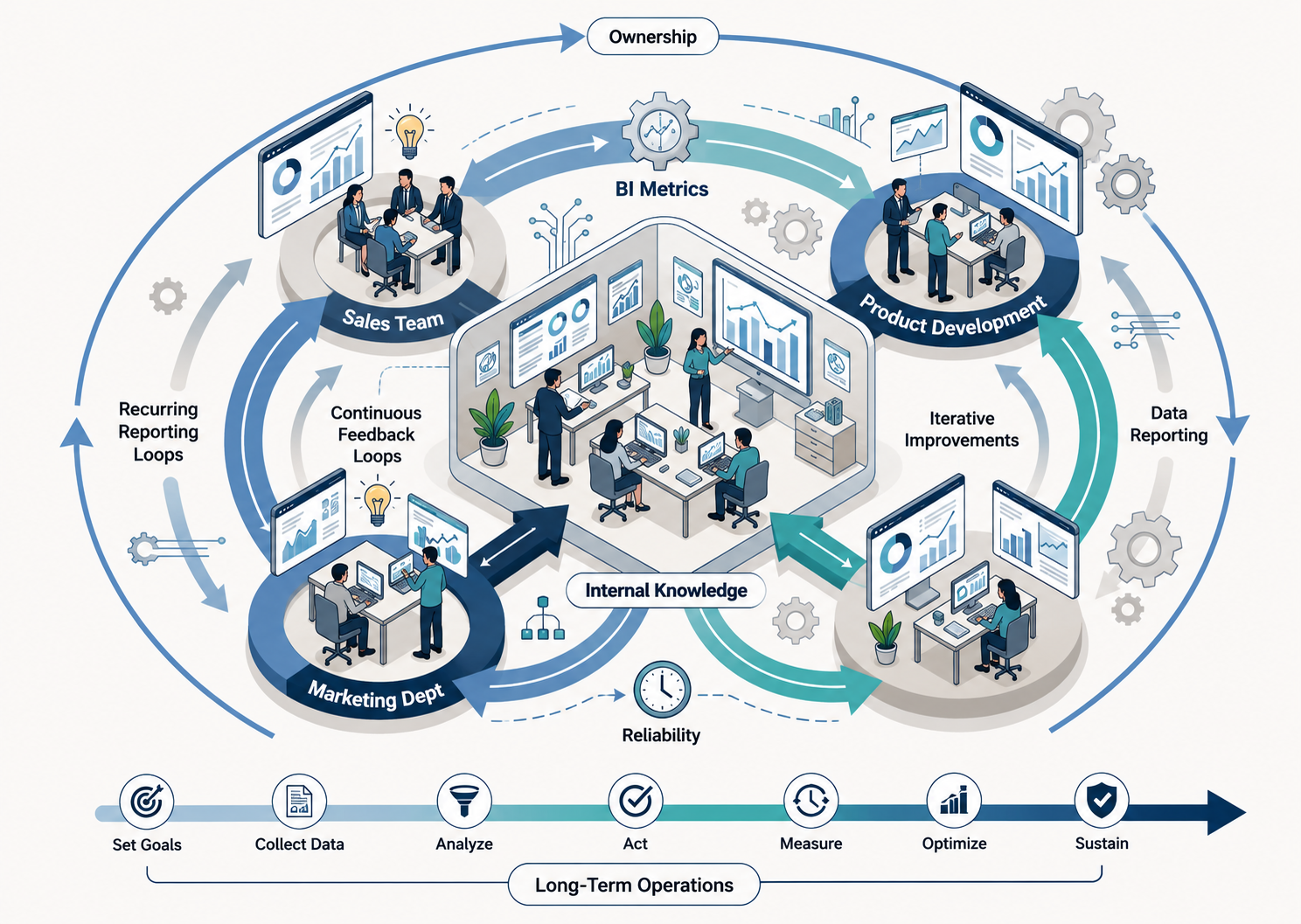
The honest tradeoff: this path is slow to stand up, and the quality of what you get is entirely dependent on who you’re able to hire and how well you manage them.
The Case for BI Consulting
Equally real advantages on this side.
You get deep expertise immediately, not in six months. Hiring, onboarding, and ramping a BI hire to genuine platform fluency typically takes months before they’re producing independent, high-quality work. A consulting team that has implemented the same platform dozens of times starts productive on day one.
They’ve seen the mistakes already, on someone else’s budget. An experienced consultant has already hit the platform-specific pitfalls, the data-modelling dead ends, the integration quirks that cost weeks to figure out the hard way. That experience is part of what you’re paying for.
Flexibility without headcount commitment. Need a lot of effort during a platform migration, then almost none for six months after? A consulting relationship can scale with that. An employee’s salary doesn’t flex down when demand drops.
Often genuinely cheaper for bounded, specialised work. As reported by Elevated Signal’s 2026 analysis of BI consulting costs, outsourcing a small team, a data engineer, a visualisation specialist, a strategist, at roughly $100–150 per hour for around 10 hours a week comes out to $52,000–$78,000 annually, against a single senior in-house hire that can run $95,000–$160,000 fully loaded in the US, before that person has even built anything. For a one-time build or a narrowly scoped need, the math often isn’t close.
Specialised needs rarely justify a permanent hire. Embedded analytics, a platform migration, an augmented-analytics rollout, these are often one-time, high-skill projects. Hiring a full-time employee for a project that ends in four months is a poor match for the actual need. This is also where platform breadth matters most: a consulting partner who has migrated BI content across multiple major reporting platforms, the kind of breadth Axxonet brings to platform migration work, has already solved problems a single in-house hire is unlikely to have encountered even once.
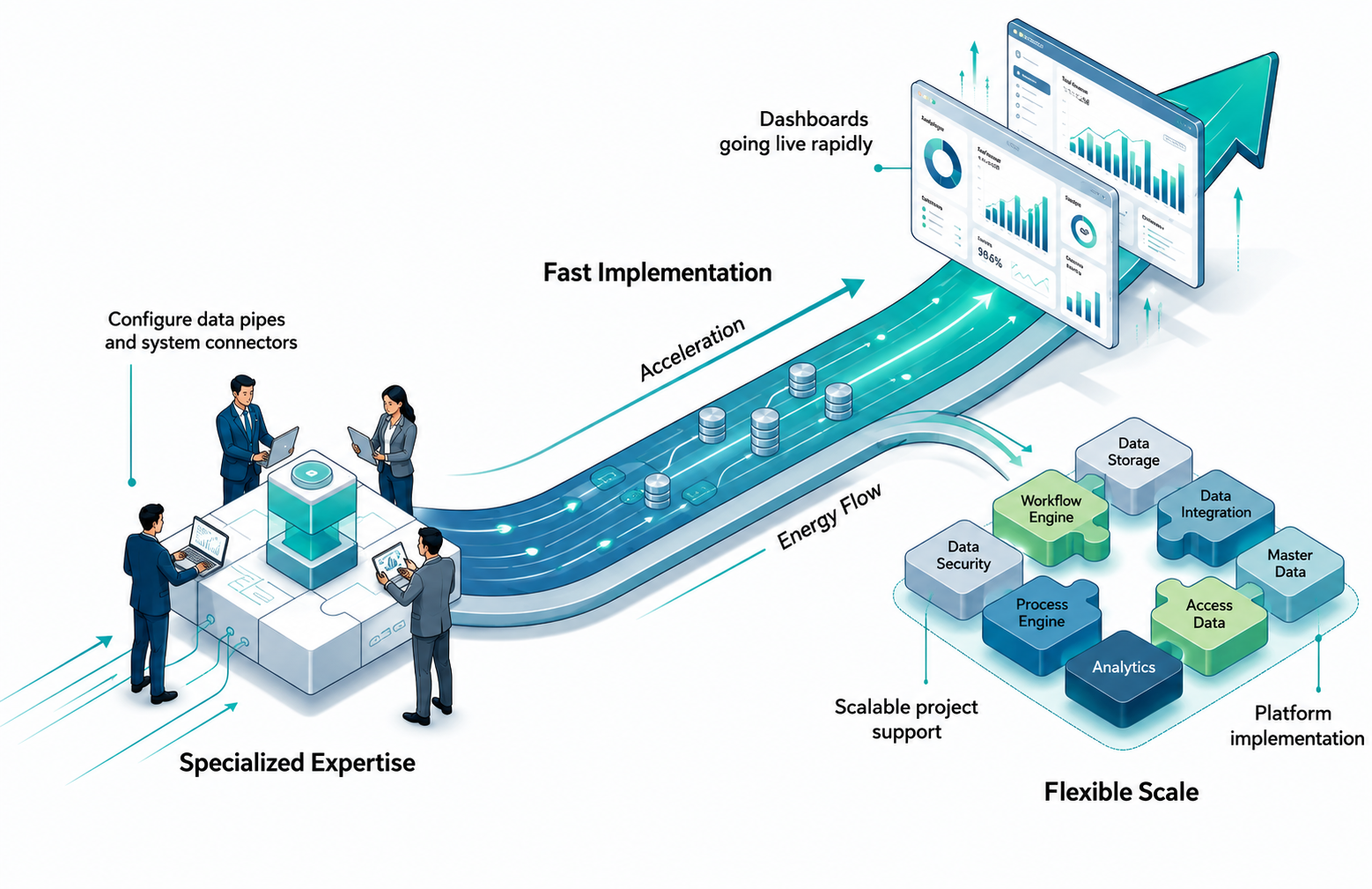
The honest tradeoff here: value depends entirely on what happens when the engagement ends. Without a deliberate handover, the knowledge built during the project can walk out the door along with the consultants.
The Real Cost Comparison
Numbers help more than instinct here.
A fully loaded in-house BI developer in the US typically costs $95,000–$160,000 annually, according to ECOSIRE’s 2026 Power BI hiring analysis, or $35,000–$70,000 for an equivalent offshore hire. That’s before tooling, training, management overhead, and the months it takes a new hire to become independently productive.
Consulting rates for BI work typically run $100–$250 per hour depending on experience, location, and firm size, as reported by ScaleUpAlly’s 2026 pricing analysis. A focused engagement of a few hundred hours for an initial build can land well under the cost of a single annual salary, but ongoing, daily reporting needs at that hourly rate add up quickly if the engagement runs indefinitely without ever transitioning to a lower-cost model.
Here’s the nuance most cost comparisons skip: the real cost difference isn’t really about hourly rate versus salary. It’s about utilisation. An in-house hire is expensive per hour during slow weeks and cheap per hour during intense ones, averaged over a year. A consultant is the opposite: efficient during a sharp, focused build, and increasingly expensive if the relationship just continues by default into routine, ongoing work that didn’t need consultant-level rates in the first place.
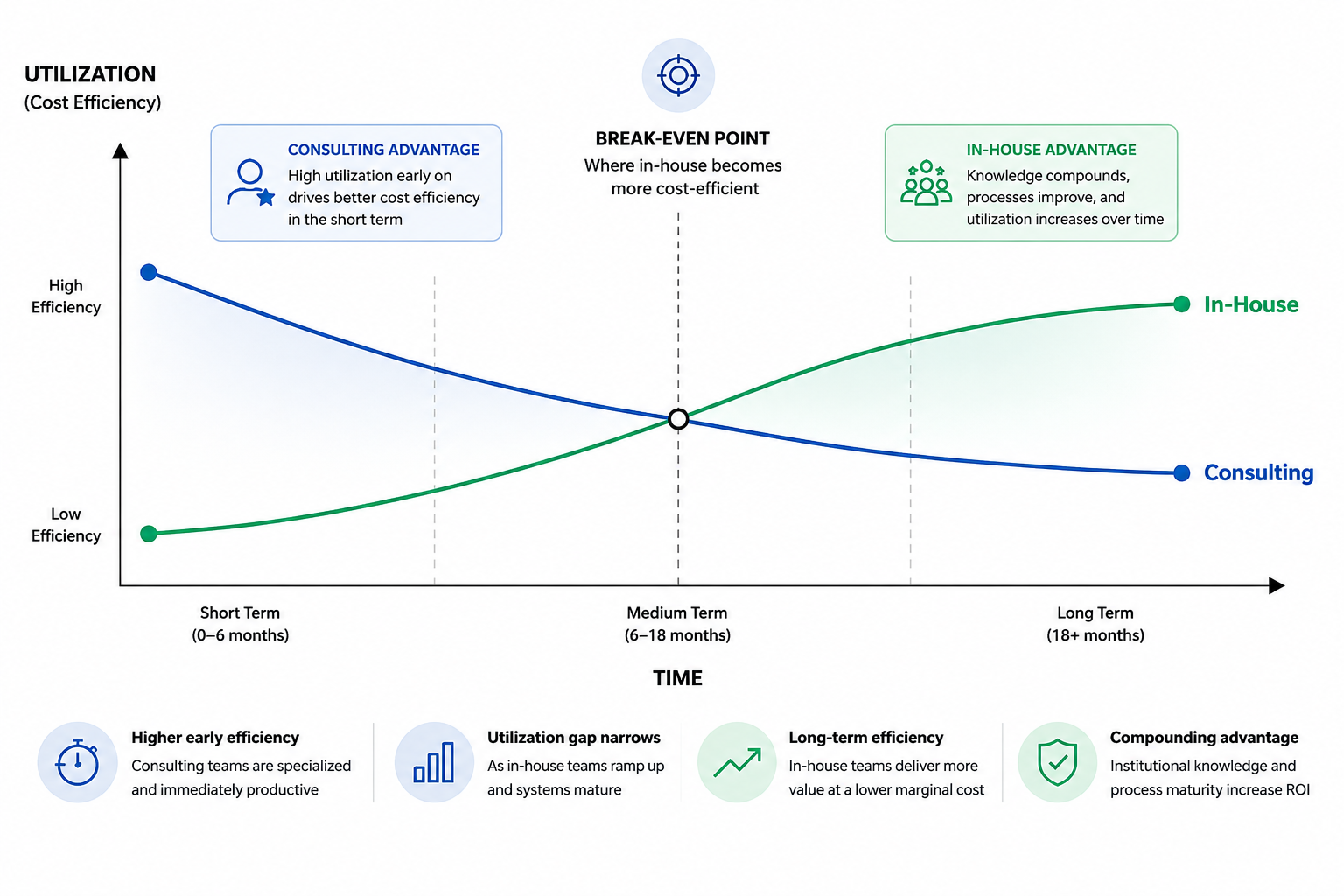
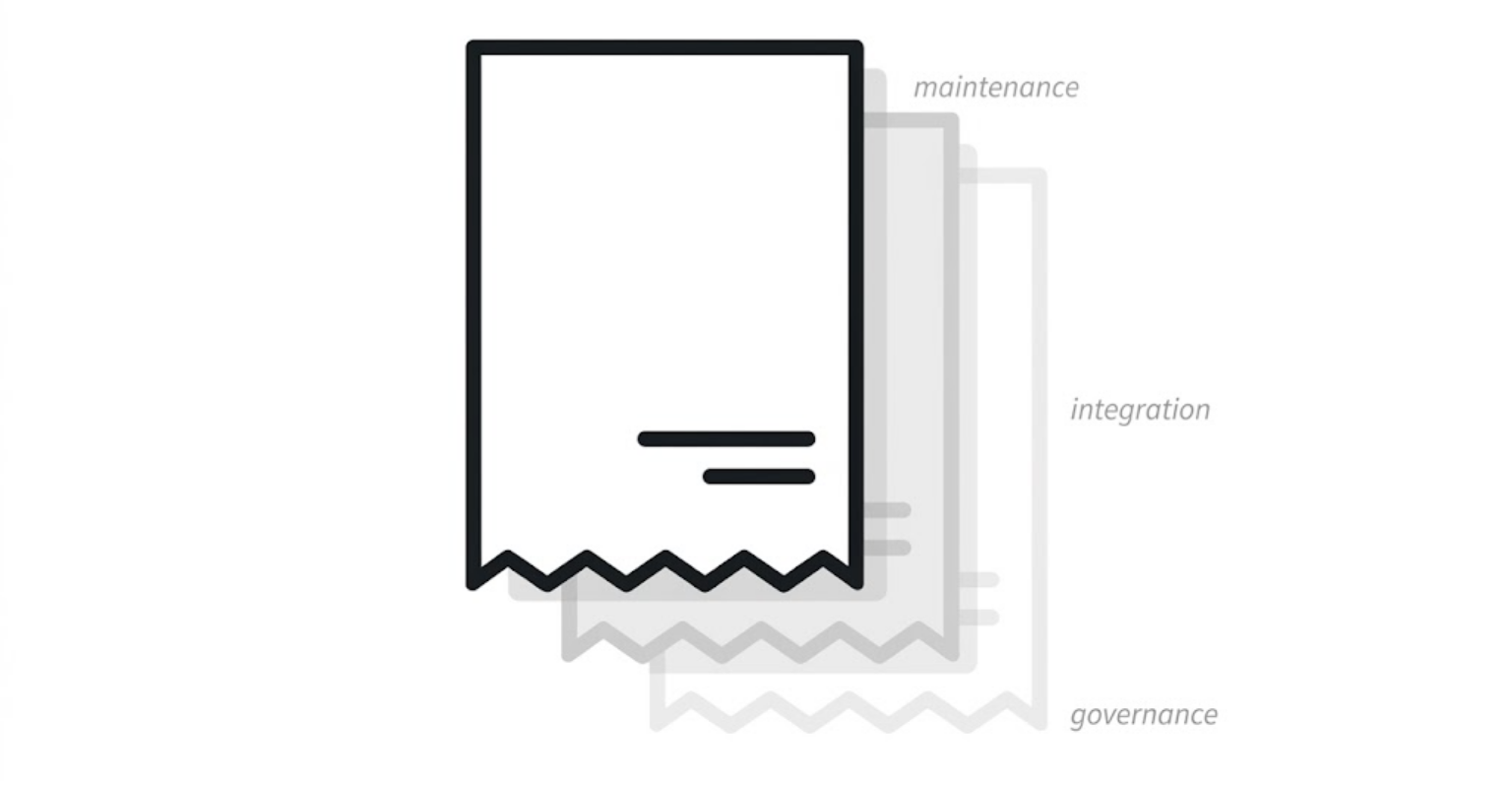
There’s a cost on both sides that’s easy to miss entirely: knowledge concentration risk. If your one in-house BI hire leaves, you can lose the only person who understands how your reporting actually works. If your consulting engagement ends without proper handover, you face the same problem from the other direction. Either path can leave you exposed, the protection in both cases is the same: documentation and shared ownership, not just headcount.
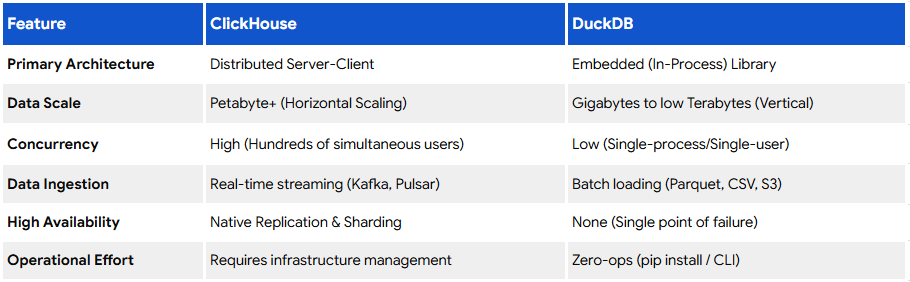
Architecture choices compound this cost equation further. A platform sized for enterprise scale when a lighter option would add licensing and infrastructure cost regardless of who’s running it, Axxonet’s article on Scaling Smart: DuckDB and ClickHouse for Cost-Conscious Enterprise Analytics Part 1 of 3 talks about this directly in the context of choosing cost-conscious analytical engines for mid-sized workloads rather than defaulting to the most expensive tier available. The same discipline that applies to staffing decisions applies to platform decisions.
|
Cost Factor |
In-House |
Consulting |
|
Time to first value |
Months (hiring + ramp-up) |
Weeks |
|
Cost for steady, ongoing work |
Lower over time |
Higher if sustained |
|
Cost for bounded, one-time work |
Higher (salary regardless of demand) |
Lower |
|
Flexibility to scale up/down |
Low, fixed headcount |
High |
|
Platform breadth |
Limited to what the hire knows |
Broad, across many platforms |
|
Knowledge retention risk |
High if team is small |
High without planned handover |
Questions That Actually Determine the Right Answer
Rather than a generic checklist, answer these honestly about your specific situation.
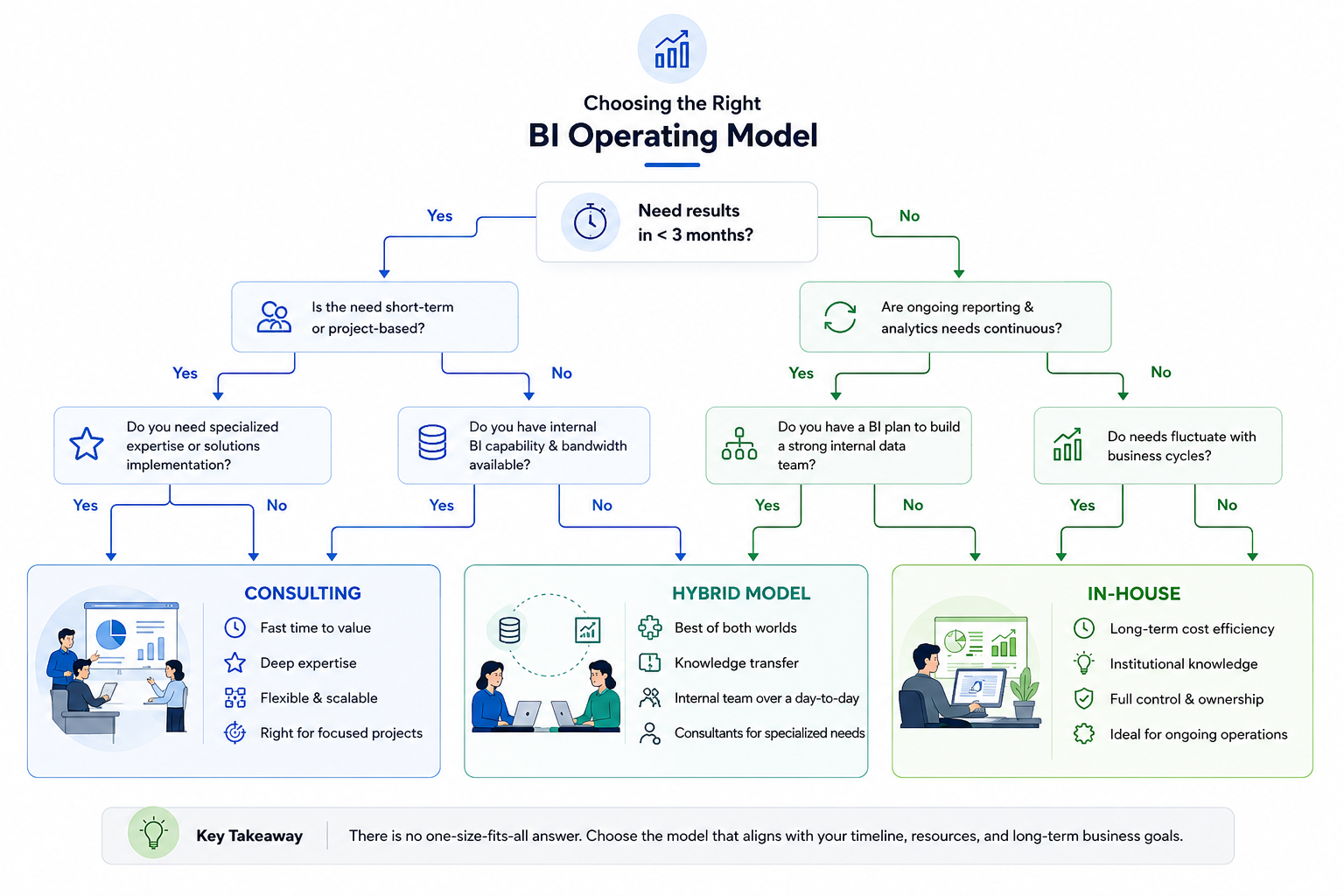
Is this a one-time build or an ongoing, evolving need? A platform migration or a single dashboard suite is bounded work. Daily reporting across a growing business is not. The first favours consulting; the second favours in-house, or at least a transition toward it.
Do you have six or more months to hire, onboard, and ramp someone before you need results? If leadership needs visible progress in the next quarter, a hiring process that takes that long to even get someone productive isn’t a realistic path, regardless of how much you’d prefer to build internally long-term.
Is your BI need narrow or broad? One platform, one core use case, is manageable for a single hire to master. Multiple data sources, multiple platforms, or specialised capabilities like embedded analytics or augmented BI usually call for breadth that’s hard to find in one or two internal hires.
Do you have anyone internally who can oversee BI work, even without building it themselves? A consulting engagement still needs an internal owner, someone asking the right questions, making decisions, and eventually receiving the handover. Without that person, even a well-run consulting engagement risks producing something nobody inside the company can evaluate or maintain.
How sensitive is the data, and how rigid are your access requirements? Healthcare, financial services, and similarly regulated environments often have constraints that make keeping deep system access in-house meaningfully simpler, though not impossible to manage with the right consulting partner and access controls.
Are you trying to build a permanent internal capability, or solve a specific, bounded problem? This is really the question underneath all the others. Be honest about which one you’re actually trying to do, because the right structure depends entirely on the answer.
The Hybrid Model
Most organisations that get this right don’t pick a side. They sequence it.
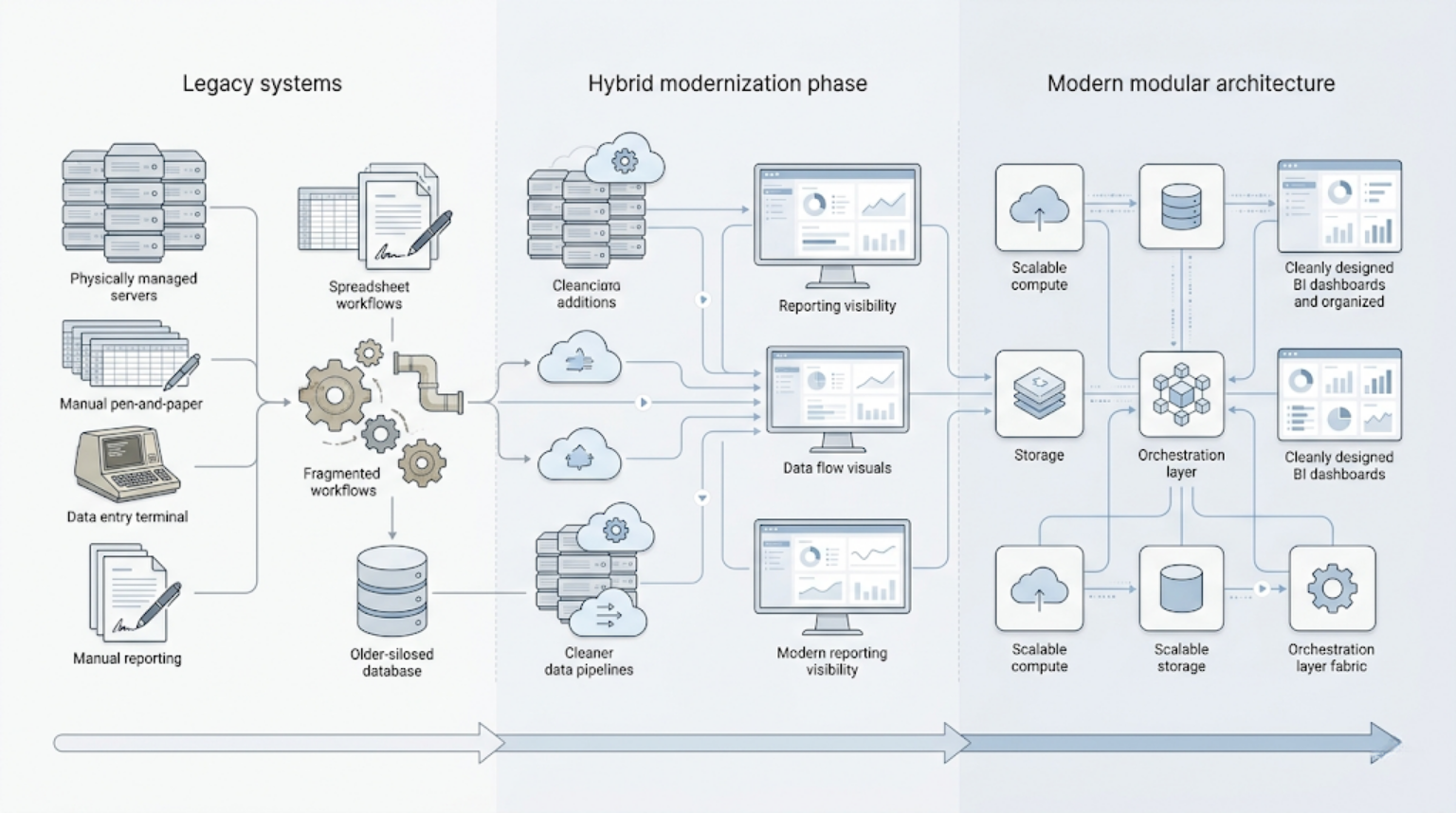
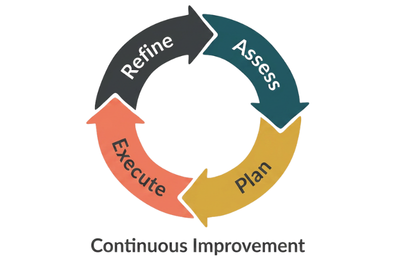
A common, effective pattern: a consulting partner builds the initial architecture, data models, and platform implementation, the foundational work that benefits most from deep, focused expertise. Once it’s running, an internal team takes over daily operation, maintenance, and incremental reporting needs. The consulting partner returns for specific spikes: a major platform upgrade, a new data source integration, an embedded analytics project.
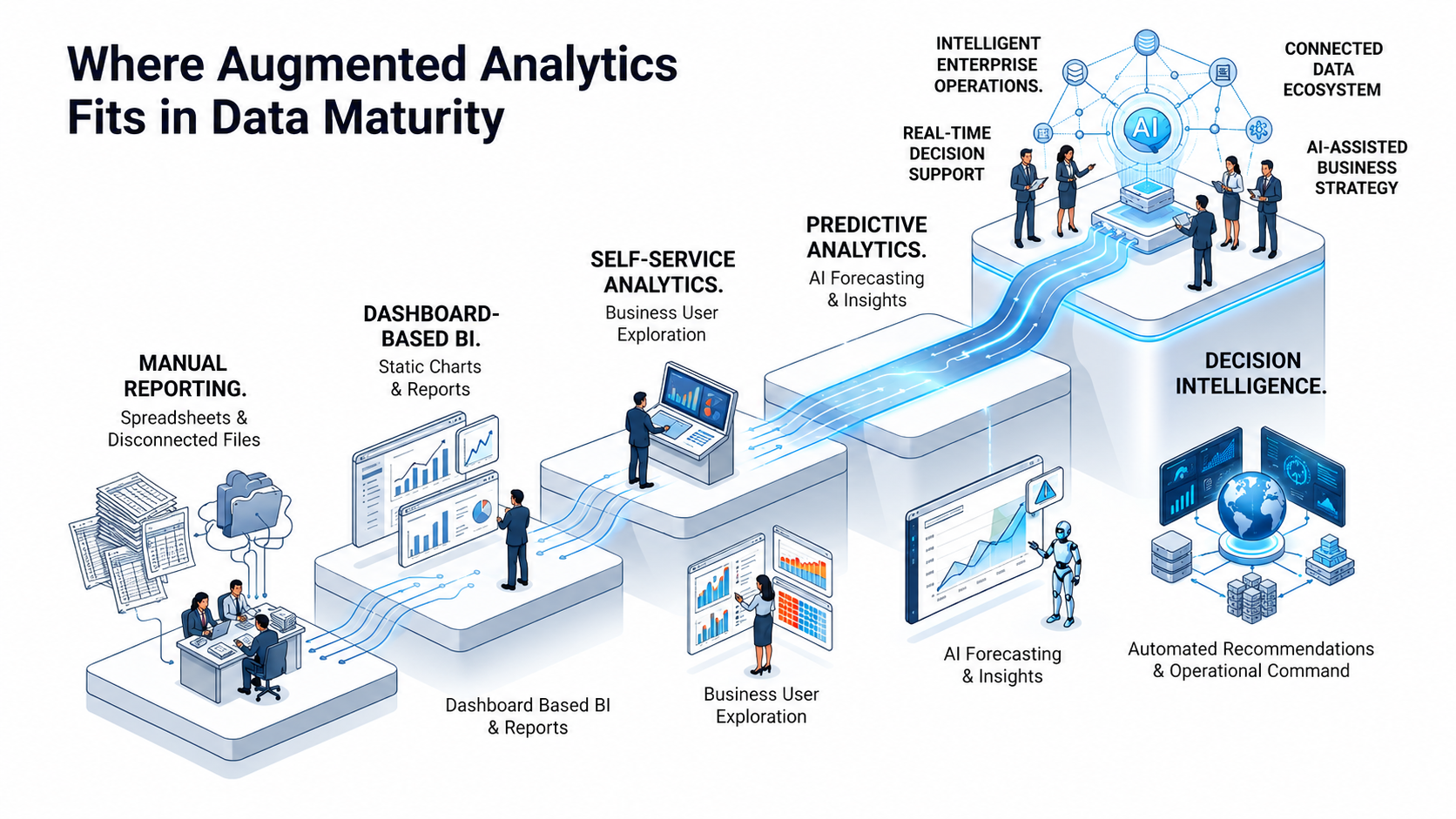
This is a familiar pattern in field-heavy industries too. BI capability tends to hit the same wall: what one analyst could handle manually breaks down once reporting needs expand across teams, regions, or data sources.
This pattern shows up consistently across BI and adjacent fields. According to Opsio’s 2026 analysis of AI team structuring (a closely related build-vs-buy decision), more than 72% of mature programmes, settle into a hybrid model rather than committing fully to either path. ECOSIRE’s Power BI-specific research reaches the same conclusion: consultants build the foundation and transfer skills, internal staff own daily iteration, and specialists return for occasional spikes, describing this as having the best three-year economics for most mid-market companies.
The hybrid model only works, though, if the consulting relationship is structured for handover from the start. That means documented data models, recorded architectural decisions, and explicit skills-transfer sessions written into the engagement as deliverables, not assumed as a courtesy at the end. A consulting partner with no interest in making themselves replaceable is a sign the hybrid model won’t actually materialise; you’ll just be paying consulting rates indefinitely for what should become routine internal work.
What to Look for in a BI Consulting Partner
If consulting, fully or as part of a hybrid model, is the right path, the partner you choose matters as much as the decision itself.
At minimum, look for platform breadth rather than single-platform specialism, the ability to work across multiple major BI and reporting platforms, rather than a firm that only knows one tool and will recommend it regardless of fit. Look for evidence that handover and knowledge transfer are built into their delivery process as named, documented deliverables, not an informal afterthought. And look for relevant experience with your specific data complexity and industry context, since BI work in a regulated healthcare environment looks very different from BI work in retail.
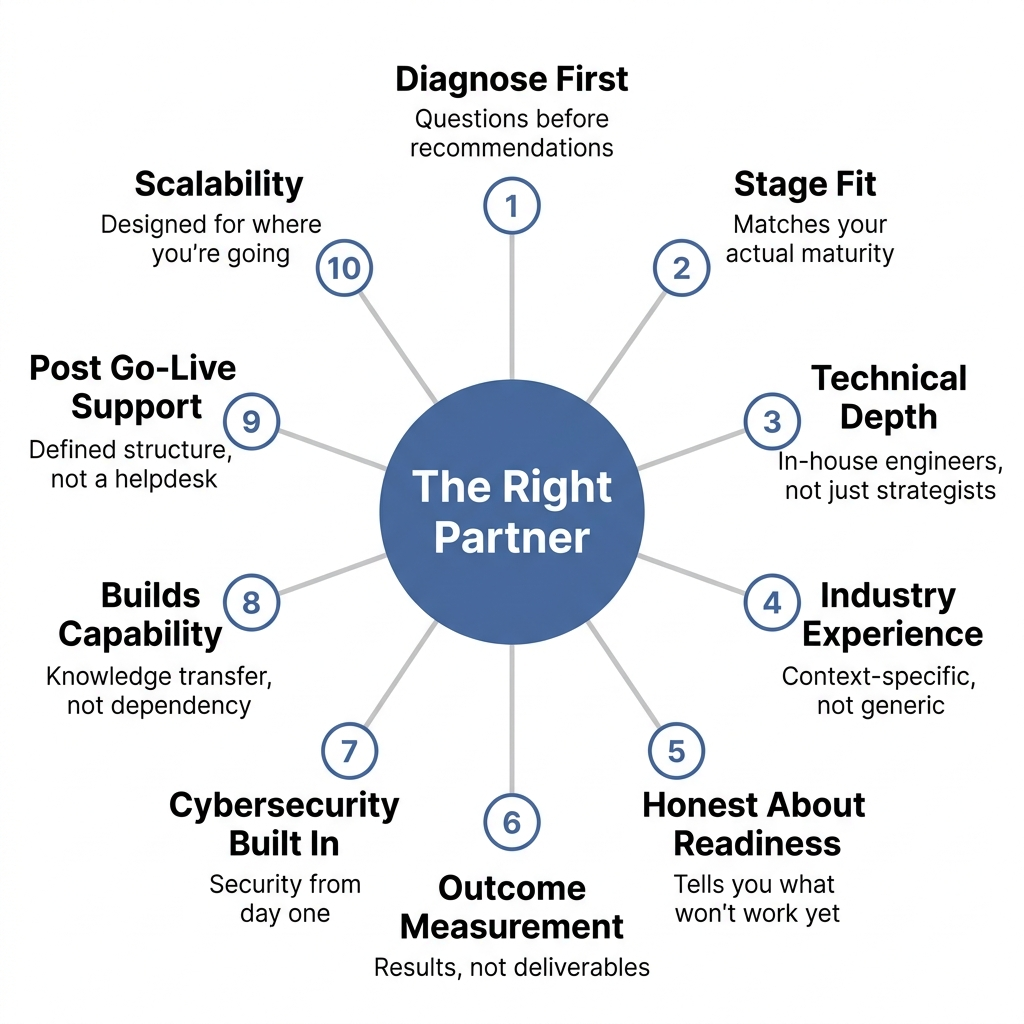
We’ve written in more depth about evaluating digital transformation consulting partners generally; the same diagnostic questions about technical depth, honesty about readiness, and outcome measurement apply directly to BI engagements, not just broader transformation work.
Summary
|
Situation |
Likely Better Fit |
|
One-time platform migration or embedded analytics build |
Consulting |
|
Ongoing, evolving, daily BI needs across the business |
In-house, or hybrid |
|
Need results within a few months |
Consulting |
|
Highly sensitive data with strict internal access requirements |
In-house, or tightly scoped consulting |
|
Small team, no internal data skills yet |
Consulting to start, in-house to scale |
|
Multiple platforms or specialised augmented analytics needs |
Consulting |
Conclusion
This was never a competition between two options. It’s a fit question, and the fit changes depending on what you’re actually trying to solve.
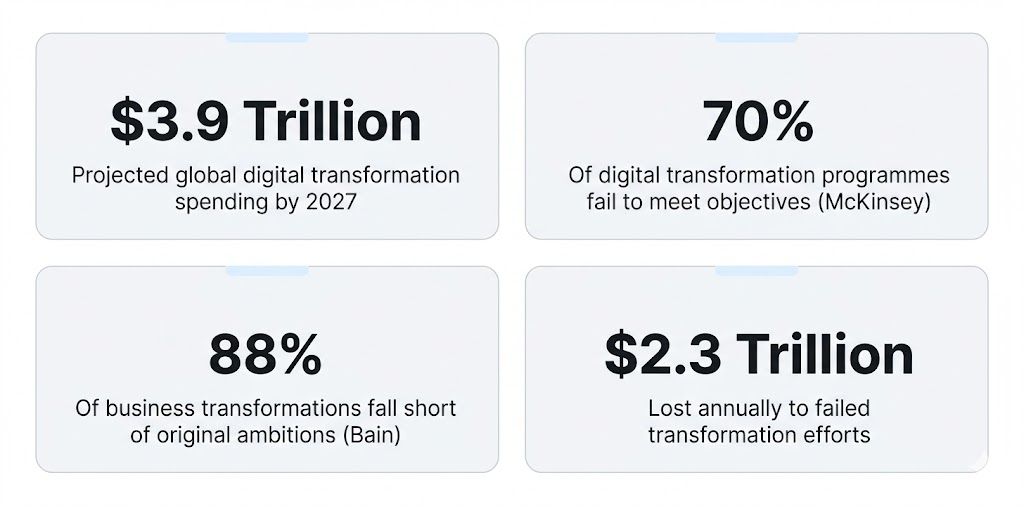
The organisations that get burned tend to be the ones choosing based on optics, hiring because it looks more serious to the board, or outsourcing because it looks more agile this quarter, rather than an honest look at their actual situation. Gartner predicts that 80% of data and analytics governance initiatives will fail by 2027, and Dataversity reports that roughly 60% of BI initiatives never deliver real business value. Neither of those failure rates is really about consulting versus in-house. They’re about decisions made without a clear answer to what the organisation actually needed.
The honest position worth taking here: a good consulting partner should be willing to tell a prospective client they don’t need a consulting engagement yet, or that a hybrid model makes more sense than a full retainer, rather than overselling something that doesn’t fit. Sometimes the right recommendation is to build the foundation and hand it off. Sometimes it’s to hire first and bring in outside help only once the problem gets harder than an internal team can solve alone.
👉 Not sure which model fits your situation? Book a consultation; we’ll give you an honest answer, even if it isn’t the one that benefits us most.
Not sure whether your current setup needs modernising or just needs to be used better?
And we'll help you find out.
Frequently Asked Questions
Yes, and this is one of the most common and effective setups. A consulting partner can handle a specific project, a migration, a new platform rollout, while your internal team continues day-to-day work, or can mentor and upskill your existing team during the engagement rather than working in isolation from them.
It depends heavily on scope. A focused dashboard build or platform migration might run a few weeks to a few months. A full analytics lifecycle implementation, from data preparation through self-service rollout, typically runs longer. Engagements structured in phases, with visible value at each stage, are a better sign than ones promising a single big delivery at the end.
That depends entirely on how the engagement was structured. With proper handover, documented data models, recorded architecture decisions, and explicit knowledge-transfer sessions, your internal team should be able to maintain and extend the system independently. Without that structure built in from the start, you risk being functionally dependent on the consulting partner indefinitely, even after the formal engagement ends.
Not always. It's typically cheaper for steady, ongoing, high-volume reporting work, because a salaried employee's effective hourly cost drops over sustained use. But for bounded, specialised, or infrequent needs, paying consulting rates only for the hours actually needed is often substantially cheaper than carrying a full-time salary year-round for work that doesn't fill that time.
Go in-house when your BI needs are steady, ongoing, and broad enough to keep someone genuinely busy, daily reporting, recurring requests, work that doesn't have a clear end date. Go for consulting when the need is bounded, a platform migration, a one-time build, a specialised capability like embedded analytics, or when you need results faster than a hiring cycle can deliver. Most companies that get this right don't pick once; they consult to build, then transition to in-house to run.
Yes, if the consulting engagement was structured with that transition in mind from the beginning. This is exactly what the hybrid model depends on, documented systems and transferred knowledge mean an internal team can pick up ownership without rebuilding from scratch. This is much harder, sometimes effectively impossible, if handover wasn't planned as part of the original engagement.
Hybrid engagements are a normal part of how we work, not an exception. We regularly build the initial architecture and platform implementation, then structure a clear handover to an internal team, staying available for specific future needs like platform migrations or new feature rollouts rather than continuing indefinitely as the default operator.
Through documentation and structured handover built into the engagement from the start, not added at the end. That includes recorded architectural decisions, documented data models, and direct working sessions with your internal team so they understand not just how the system works, but why it was built that way.
We work with both. Some clients come to us with an existing data team needing a specific platform build or migration. Others have no internal data capability yet and need the entire foundation built, with a path toward eventually bringing some of that capability in-house once it's running. The starting point shapes the engagement, but it doesn't determine whether we can help.